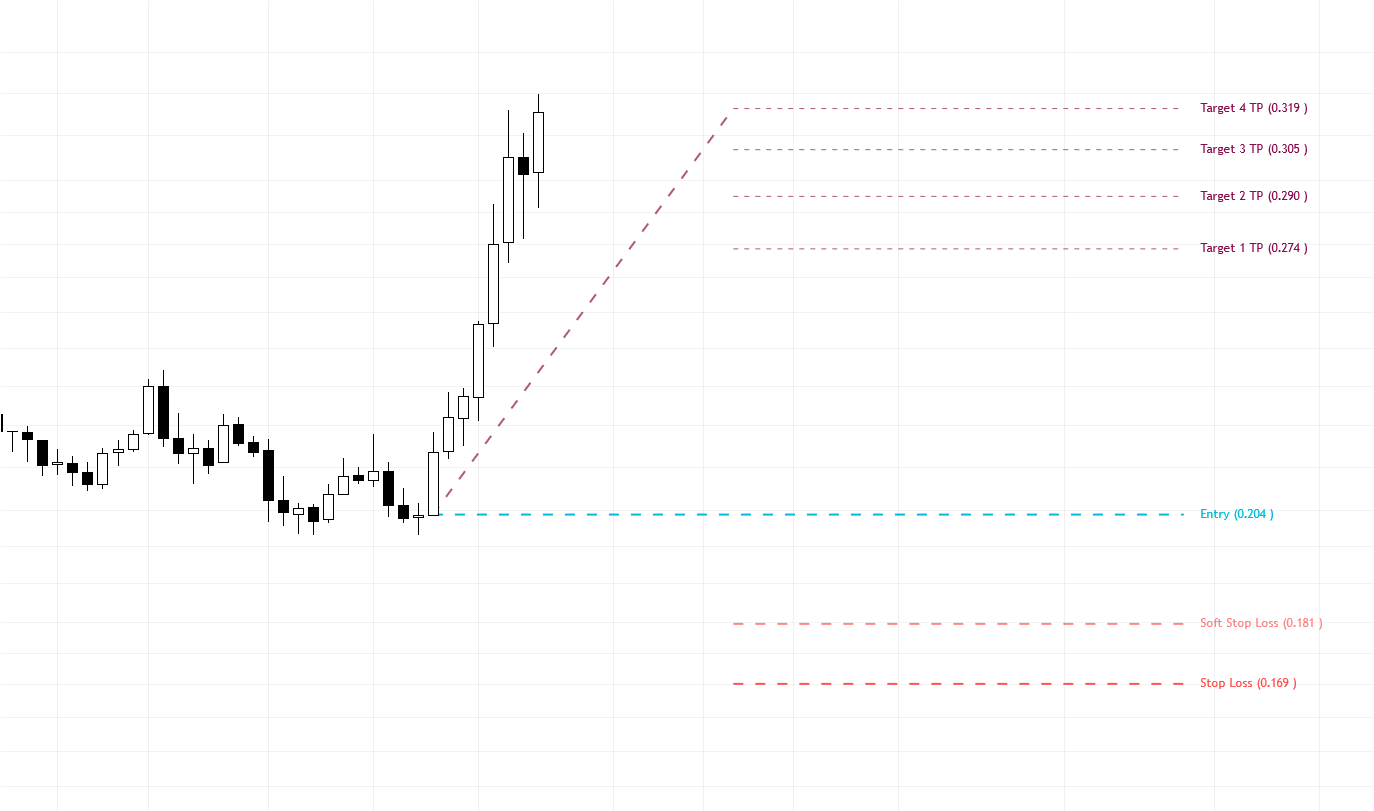
The TargetScope is a versatile tool within MADALGO Navigator that allows traders to identify potential entry, stop-loss, and target levels based on aggregated visible price ranges. With flexible customization options, TargetScope can enhance your trading strategy by assisting you in setting optimal trade levels.
Activation and Settings
Before using the TargetScope indicator, it's essential to familiarize yourself with its customizable settings. Here are the key settings you can adjust:
Activation
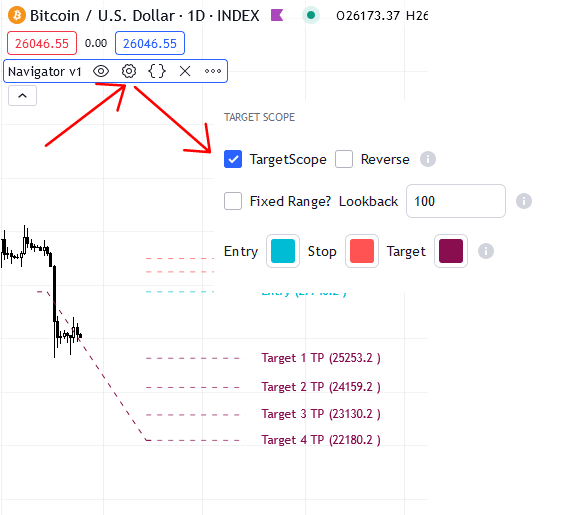
Enable the TargetScope feature by toggling the "AVRTF" switch to the ON position in the main settings of MADALGO Navigator. This activates the TargetScope function and allows you to specify various parameters for calculating target levels.
Reverse Mode
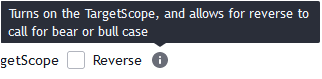
Toggle the "Reverse" switch to the ON position to enable the reverse mode. In this mode, TargetScope can determine target levels for both bullish and bearish scenarios, enhancing its versatility.
Fixed Range
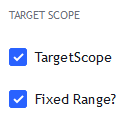
Enable the "Fixed Range?" switch if you want to use a fixed range for calculating target levels. When enabled, the TargetScope will consider a fixed range for its calculations, specified by the "Lookback" input.
Lookback
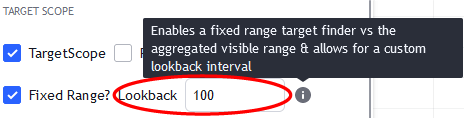
When "Fixed Range?" is enabled, specify the number of bars to look back for calculating the fixed range. This allows you to customize the period over which TargetScope derives its calculations.
Styling
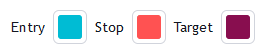
Customize the appearance of target levels:
- Entry, Stop Loss, and Target Colors: Assign colors to the entry, stop-loss, and target levels. These colors help differentiate between different levels on the chart.
- Soft Stop Loss Color: Define a color for the soft stop-loss level, which provides a visual representation of a more lenient stop-loss.
Tip
Consider combining TargetScope with our other technical analysis tools and indicators to confirm trade setups and enhance your decision-making process.
Target Calculation and Display
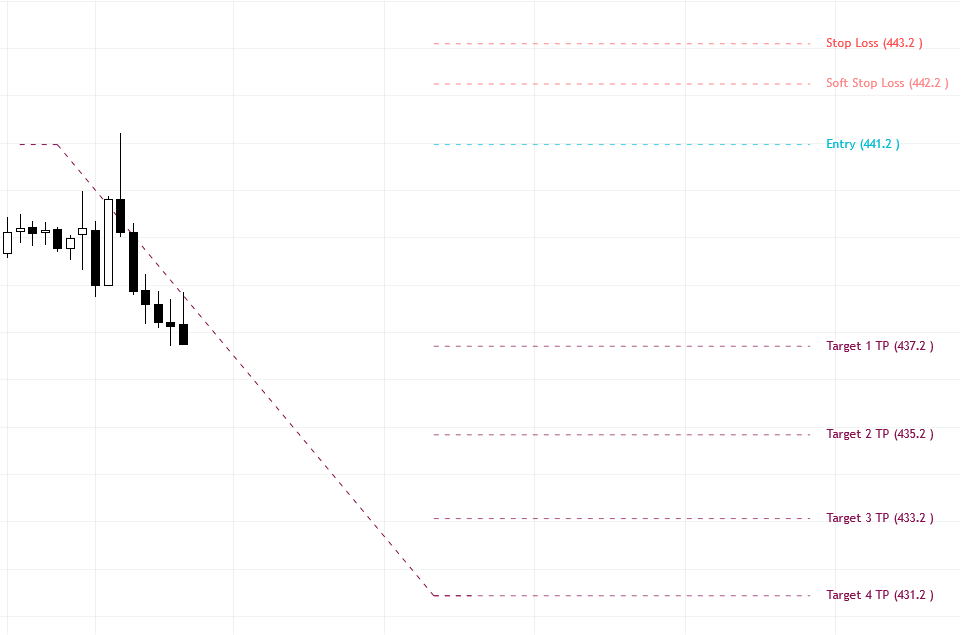
TargetScope calculates and displays entry, stop-loss, and target levels based on the aggregated visible price range. The levels are represented as horizontal lines on the chart, helping you visualize and plan your trades effectively.
Importance and Use
Precise Trade Execution
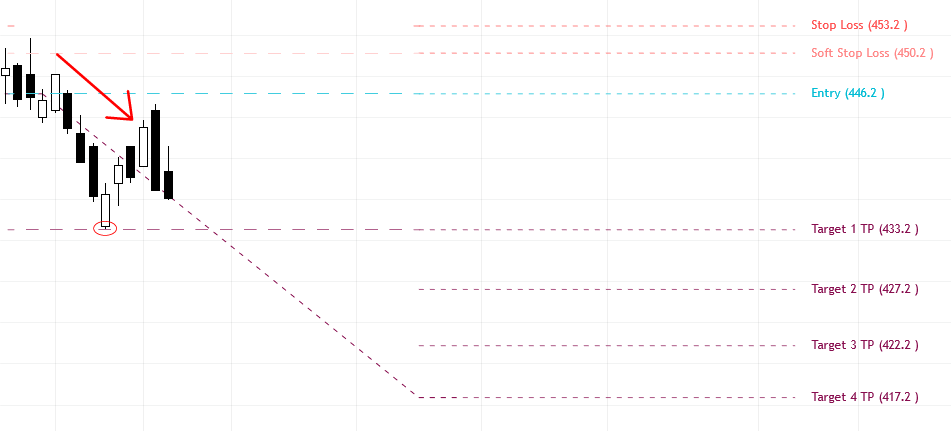
TargetScope assists in determining optimal entry, stop-loss, and target levels. These levels are calculated based on visible price ranges, enhancing the precision of trade execution.
Info
Adjust the lookback period and settings based on the current market conditions. Markets with higher volatility may require larger lookback intervals.
Risk Management
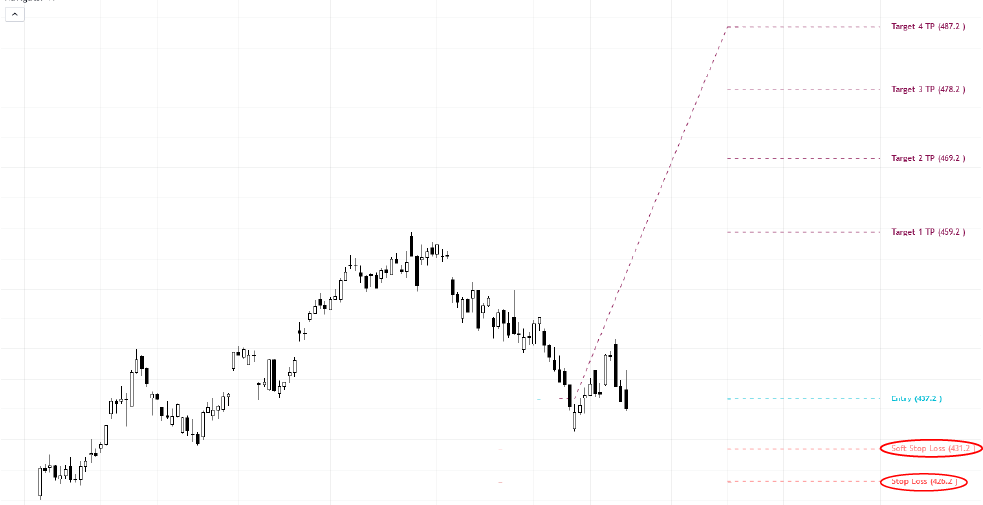
By providing clear stop-loss and target levels, TargetScope aids in implementing effective risk management strategies. Traders can manage their risk exposure and make informed trading decisions.
Caution
While TargetScope is a valuable tool, it's important to complement its signals with comprehensive analysis and other indicators before entering or exiting trades.
Disclaimer: The information provided here is for educational purposes only and does not constitute financial advice. Trading involves risk, and it's essential to conduct thorough research and seek advice from financial professionals before making any trading decisions.